Getting Started with HTTP Transport
This tutorial guides you through creating your first MCP server using the Streamable HTTP transport.
What You’ll Build
You’ll create a simple MCP server that:
-
Exposes a tool to greet users
-
Communicates via Streamable HTTP transport
-
Can be accessed by web-based MCP clients
Creating the Project
Create a new Quarkus project with the MCP HTTP extension:
mvn io.quarkus:quarkus-maven-plugin:3.40.1:create \
    -DprojectGroupId=org.acme \
    -DprojectArtifactId=mcp-http-quickstart \
    -Dextensions="io.quarkiverse.mcp:quarkus-mcp-server-http:2.0.0"
cd mcp-http-quickstart
Creating Your First Tool
Create a simple greeting tool:
package org.acme;

import io.quarkiverse.mcp.server.Tool;

public class GreetingTools {

    @Tool(description = "Greet a user by name")
    public String greet(String name) {
        return "Hello, " + name + "!";
    }
}
That’s it! The @Tool annotation automatically registers this method as an MCP tool.
Running in Development Mode
Start your MCP server in dev mode:
mvn quarkus:devYour MCP server will be available at:
-
Streamable HTTP (2025-03-26):
http://localhost:8080/mcp -
HTTP/SSE (2024-11-05):
http://localhost:8080/mcp/sse(legacy protocol)
Keep testing with localhost URLs. A server bound to localhost rejects requests from other origins to prevent DNS rebinding attacks, so connecting by hostname or IP address can return a 403 response. See DNS Rebinding Protection.
|
Testing Your Server
Testing with Dev UI
When running in dev mode, you can test your MCP server using the Dev UI:
-
Open your web browser and navigate to
http://localhost:8080/q/dev-ui. -
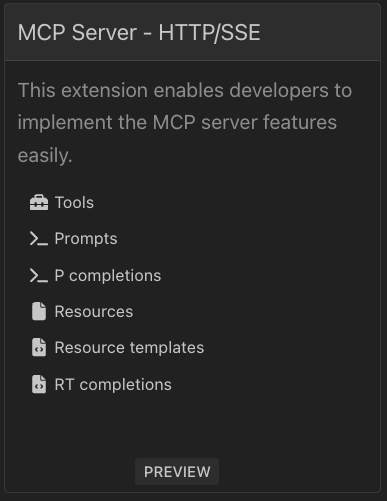
In the "MCP Server - HTTP/SSE" card, click "Tools".
-
Find the
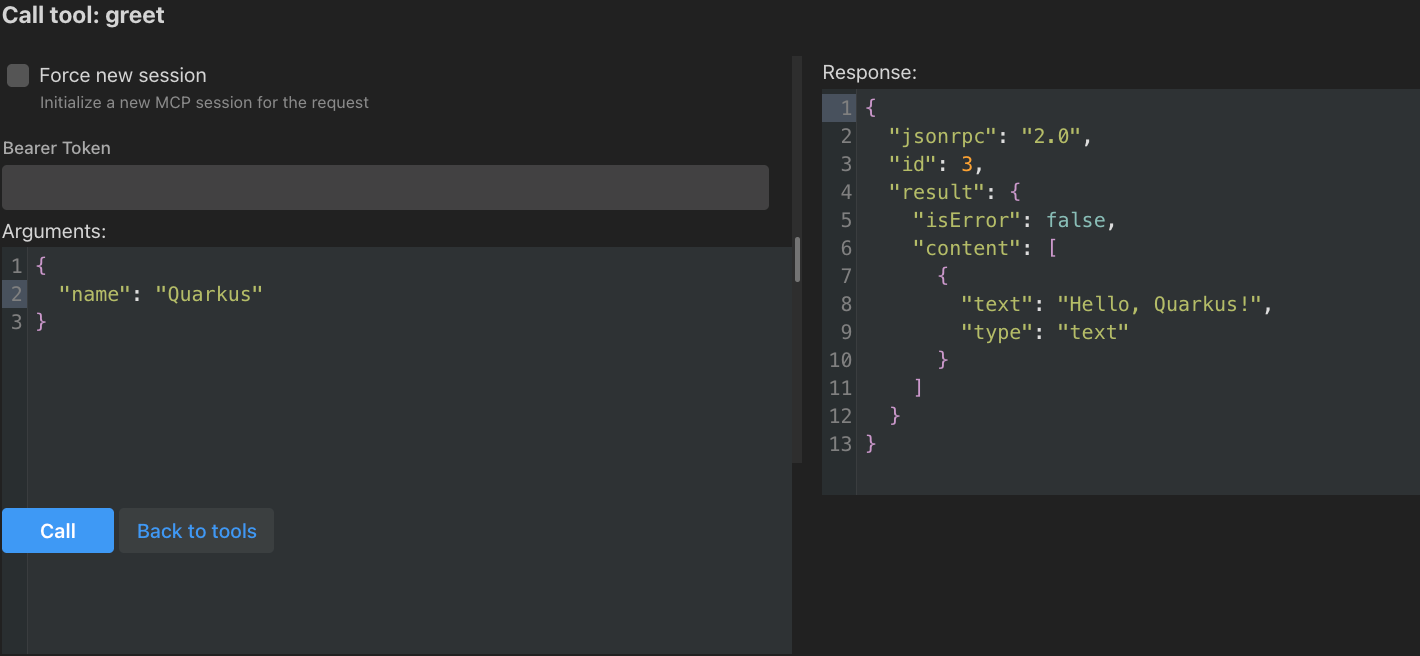
greettool and click the "Call" button. -
Enter a name (e.g., "Quarkus") and click "Call" to see the response.
Testing with MCP Inspector
The MCP Inspector is a handy tool for testing MCP servers. Follow the instructions from MCP Inspector to download and run it.
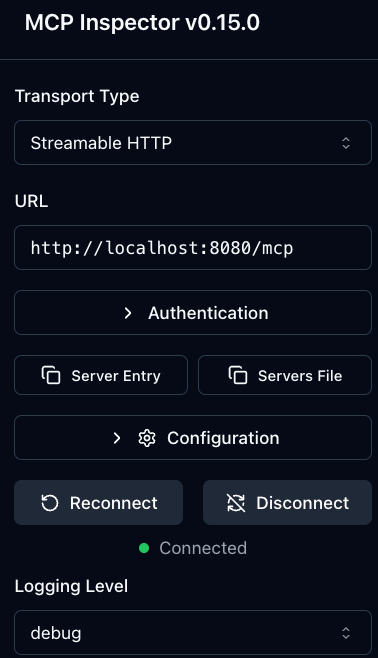
Open the MCP Inspector in your browser (use the link with the token shown in the console) and configure it to connect to your MCP server using Streamable HTTP transport.
In the server configuration, set the URL to http://localhost:8080/mcp.
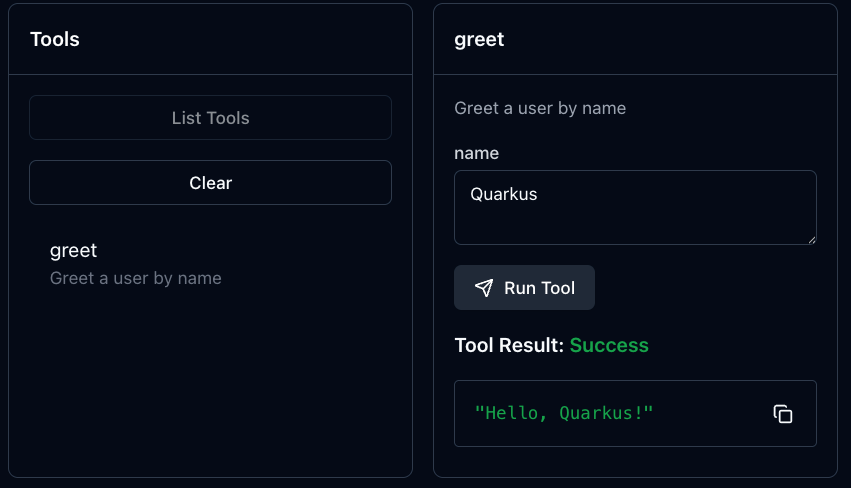
Once connected, find the greet tool and invoke it with a name to see the response.
Congratulations! You’ve successfully created and tested your first MCP server using Streamable HTTP transport.